Signal Handler Templates
This article is subject to change as the feature develops and we make improvements.
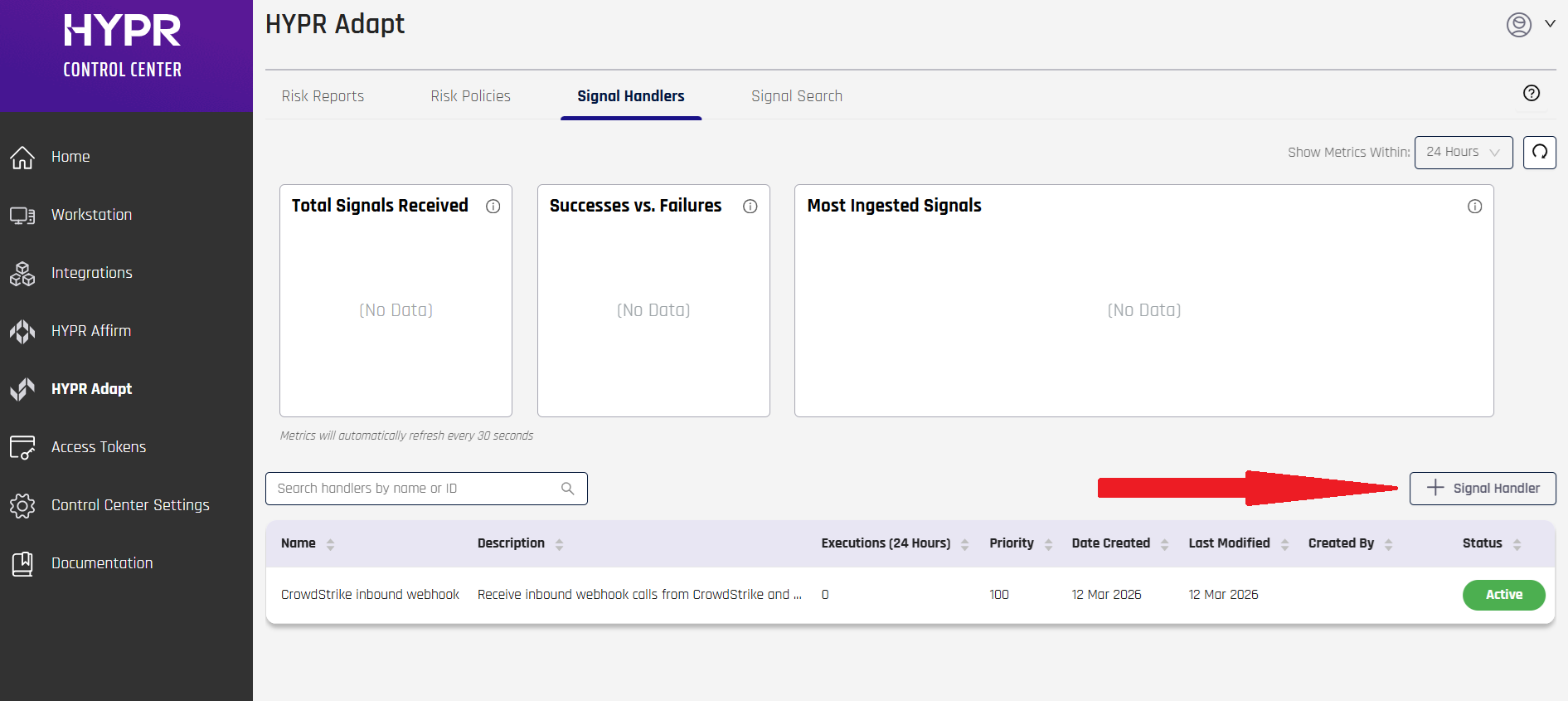
In HYPR Adapt, you can create a Signal Handler using predefined templates. These templates can be used to either add a pre-configured handler or create your own custom handler based off an existing handler. In this article are the current Signal Handler templates available in Adapt. To see the list of available Signal Handler templates in CC Standard Mode, go to HYPR Adapt > Signal Handlers and click + Signal Handler.
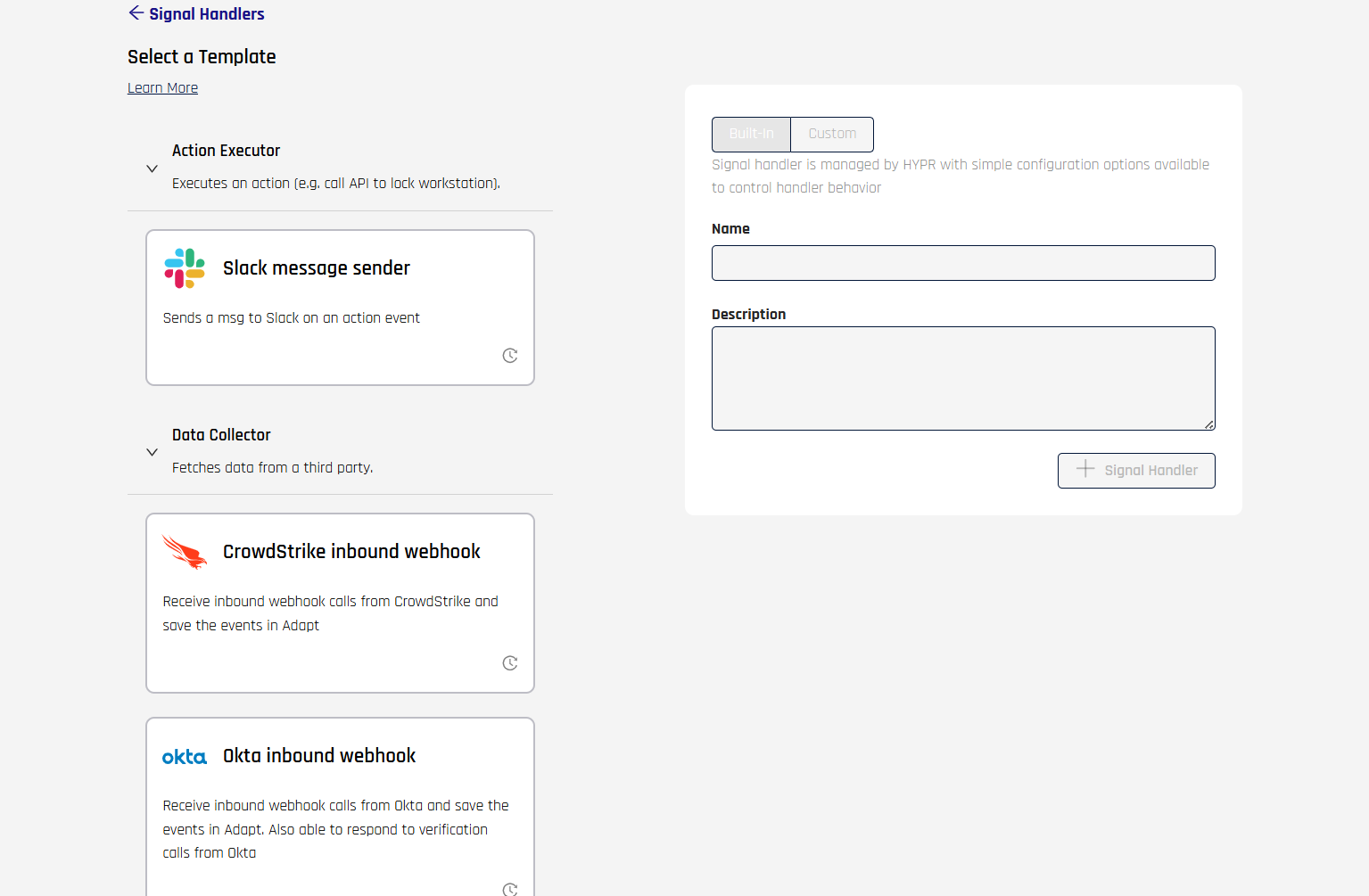
For more information about setting up a signal handler, see Signal Handler Management.
CrowdStrike Webhook Data Collector
Receives inbound webhook calls from CrowdStrike and saves those events as Adapt Events. Use this template when you want Adapt to evaluate CrowdStrike Identity Protection or Zero Trust Assessment (ZTA) data in a risk policy.
Create and test the handler in Control Center
- Create the handler from Data Collector > CrowdStrike Webhook Data Collector using Signal Handler Management.
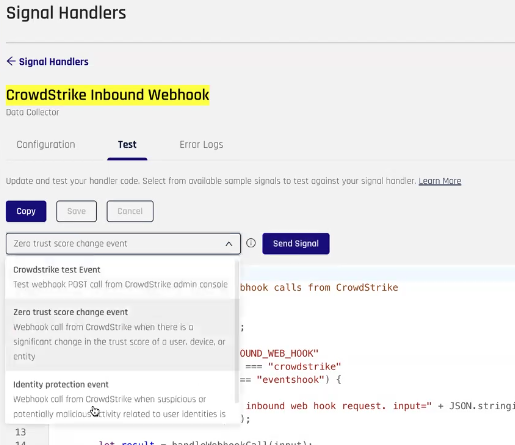
- Open the handler's Test tab and test the sample payload. Use the event type that matches what you will send from CrowdStrike in production.
When the HMAC key is not updated, the default sample test event provided by HYPR for CrowdStrike will fail. Use the HMAC key hmacsecretkeyhmacsecretkeyhmacsecretkey for the basic sample event.
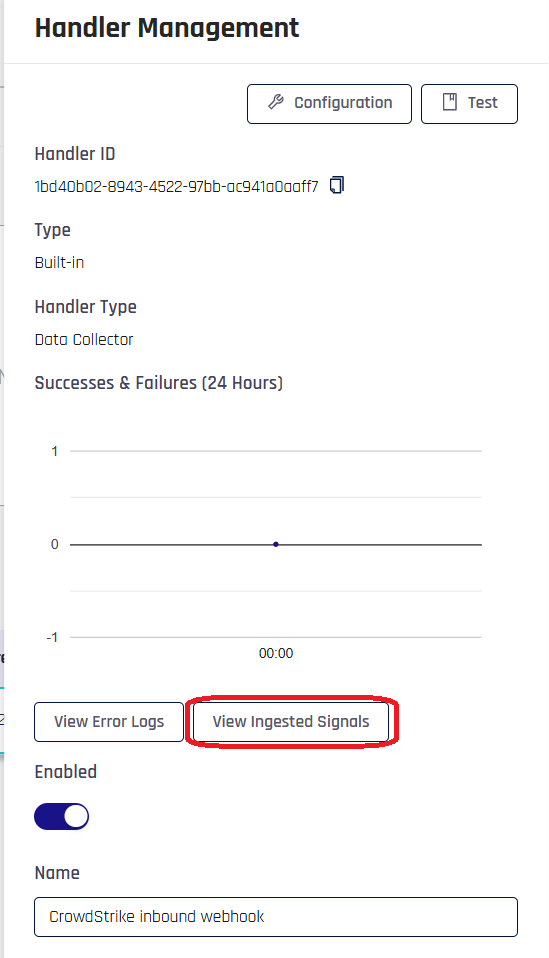
- Confirm the event appears in Handler Management > View Ingested Signals (and View as JSON if you want to verify the payload shape).
Full CrowdStrike setup
For end-to-end setup (signal handler, CrowdStrike webhook and workflow, and risk policy), see:
- HYPR and CrowdStrike IdP Policy Configuration
- HYPR and CrowdStrike Zero Trust Assessment (ZTA) Policy Configuration
Okta Webhook Data Collector
Receive inbound webhook calls from an Okta integration and save those events in Adapt. The handler can also respond to verification calls from Okta.
This template does not have any configuration options.
TOR Data Collector
Collect IP addresses for TOR exit nodes. The following are the initial configuration options available for this template:
| Field | Description |
|---|---|
| torUrl | The URL that points to a list of TOR exit IP addresses. Default is https://check.torproject.org/exit-addresses. |
| triggerEventName | The name of the Event that will trigger the handler. Default is TOR_DATA_COLLECTOR_TRIGGER. |