11.1.2 Release Notes
HYPR 11.1.2 is a patch to the 11.1.0 Enterprise Channel Release.
The Enterprise Release Channel follows a quarterly upgrade cycle, ensuring a stable and predictable update process. This schedule provides organizations with ample time to test, adapt, and implement changes while minimizing disruptions to business operations. With each release, customers receive the latest security, performance, and feature enhancements, allowing them to stay up to date with improvements while maintaining operational stability.
Minimum Supported Versions
| Release Date | HYPR Product | Minimum Requirement | Notes |
|---|---|---|---|
| May 15 | HYPR Passwordless for Windows 11.1.1 | Windows (10 "2004", 11) | Reboot required if upgrading from 7.6 or below; Security Key Support for YubiKey 5 Series with firmware 5.X, YubiKey Bio Multi-Protocol Edition, IDEMIA ID-One on Cosmo 8.2, Feitian K9 Plus and K40 Plus and its offshoots |
| May 15 | HYPR Passwordless for Mac 11.1.2 | macOS (High Sierra, Mojave, Catalina, Big Sur, Monterey, Ventura, Sonoma 14.1 [not 14.0], Sequoia, Tahoe) | Security Key Support for YubiKey 5 Series with firmware 5.X and Feitian ePass K9 Plus, K40 Plus and their respective offshoots |
| May 15 | HYPR Mobile App for Android 11.1.2 | Android 9.0+ | |
| January 7 | HYPR Mobile App for iOS 10.7.1 | iOS 12.4+ | |
| May 15 | HYPR Server 11.1.2 | Java Development Kit (JDK) 17 | Upgrade to 7.10 required before upgrading to 8.0.0 or higher |
| May 15 | HYPR SDK for Android 11.1.2 | Android 9.0+ | |
| March 27 | HYPR SDK for iOS 11.1.0 | iOS 12.4+ | |
| May 15 | HYPR SDK for Java 11.1.2 | Java Development Kit (JDK) 17+ |
All HYPR components are fully compatible across the three previous/subsequent minor (X.X) HYPR releases.
Breaking Changes
-
[Control Center] FIDO2 MDS legacy APIs deprecation — Legacy FIDO2 metadata-management APIs are scheduled to be deprecated beginning in 11.3. Customers using these APIs should plan to update integrations to the newer metadata controls and query APIs.
-
[HYPR Passwordless for Windows] HYPRSpeed (Desktop SSO) grants seamless web single sign-on based on a trusted HYPR authentication session. Starting in HYPR Passwordless for Windows 11.1.1, locking the workstation ends that trusted session. If the workstation is subsequently unlocked using a step-down authentication method — such as a Windows password — HYPRSpeed will not be available for new sign-in requests. The user will be redirected to the normal sign-in page for the resource (for example, the Okta login page) rather than signed in automatically. No error message is shown.
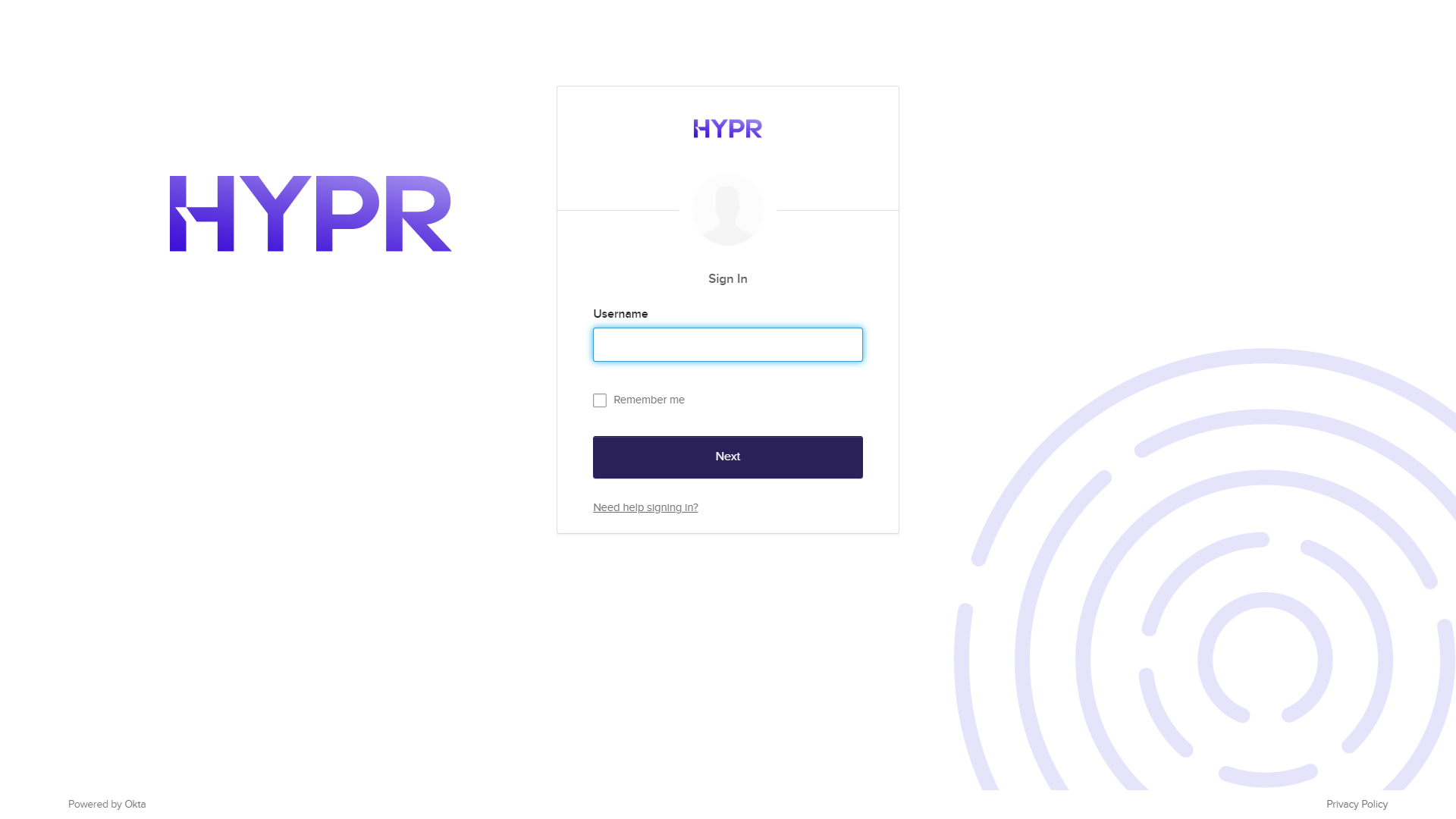
This change enforces authentication consistency: the elevated trust granted by a passwordless HYPR authentication should not carry over after the user authenticates with a weaker method. To restore HYPRSpeed, the user must unlock the workstation with HYPR. Existing browser sessions already signed in before the lock are not affected.
Organizations that permit both passwordless and password-based Windows authentication should communicate this change to end users.
Enhancements
- [Affirm] Added support for configuring a secondary Onfido account to enforce a 1-day data retention policy required for certain EU countries. The secondary account is configurable per environment.
Events
The following events were added in 11.1.2:
AFFIRM_WORKFLOW_VERIFIED_CREDENTIAL_START(tag:IDENTITY_VERIFICATION) — Verified Credential-based identity verification started.AFFIRM_WORKFLOW_VERIFIED_CREDENTIAL_FINISH(tag:IDENTITY_VERIFICATION) — Verified Credential-based identity verification finished.AFFIRM_WORKFLOW_ERROR(tag:IDENTITY_VERIFICATION) — An error occurred during an Affirm identity-verification workflow.
The following event is deprecated:
AFFIRM_WORKFLOW_VERIFIED_CREDENTIAL_COMPLETEDis deprecated in 11.1.2 in favor of the pairedAFFIRM_WORKFLOW_VERIFIED_CREDENTIAL_STARTandAFFIRM_WORKFLOW_VERIFIED_CREDENTIAL_FINISHevents. Update event hooks, SIEM rules, and audit pipelines accordingly.
You can find detailed event descriptors in Event Descriptions.
Error Messages
The following error codes were added in 11.1.2:
- 1207025:
KNOWN_LOCATION_PROBLEM— There was an issue with the known location. Ensure the known location data is valid and the location exists. - 1207026:
AFFIRM_ASSET_PROBLEM— There was an issue with the asset content. Ensure the asset data is valid and the entry exists.
The following error code is deprecated:
- 1207025:
TRUSTED_LOCATION_PROBLEMis deprecated in 11.1.2 in favor ofKNOWN_LOCATION_PROBLEM(same numeric code). Update integrations that match on the symbolic name.
To see all HYPR errors by component, see HYPR Error Codes Troubleshooting Table.
APIs
You can find detailed descriptors and other API calls in HYPR's full Postman API set here.
Bug Fixes
-
[HYPR Mobile App for Android] Fixed a UX issue where the PIN entry screen overlapped with the on-screen Android home and navigation buttons on certain devices.
-
[Control Center] Security hardening for FIDO-only profile deregistration.
-
[Enterprise Passkey / HYPR Passwordless for Windows] Fixed an issue where Offline PIN authentication failed when a virtual smart card or security key was inserted before PIN entry, causing incorrect authentication state and returning the user to the Windows lock screen.
-
[HYPR Passwordless for Windows] Fixed authentication failures caused by inconsistent letter casing in domain or machine usernames, which affected roaming login and workstation unlock on domain-joined workstations.
-
[HYPR Passwordless for Windows] Security hardening: Applied Authenticode code signatures to additional Windows service components.
-
[HYPR Passwordless for Windows] Security hardening applied to HYPR Passwordless for Windows.
Known Issues
-
[Adapt] After a cold start of the risk engine, such as after an upgrade, a blocked policy might not be applied.
-
[Authenticate] The HYPR Service does not always restart as intended after resuming from Modern Standby or hibernation, sometimes resulting in multiple restart attempts and network recovery failures.
-
[Control Center] Server still sends push notifications with incorrect proxy credentials.
-
[Enterprise Passkey / HYPR Passkey] [Unified Single Registration Experience for Enterprise Passkeys] For users with an existing registration created before upgrading to 11.1.0, the save-computer prompt may not appear on the HYPR Mobile App during pairing. To use saved-computer functionality, users need to reregister. This is a beta limitation and planned behavior in a future release is backward compatibility.
-
[Enterprise Passkey / HYPR Passkey] [Unified Single Registration Experience for Enterprise Passkeys] Locking the workstation immediately after saving the computer from the HYPR Mobile App can fail in some environments when there is no valid Windows session entry; a subsequent lock attempt typically succeeds.
-
[Enterprise Passkey / HYPR Passkey] Deregistering a HYPR Passkey from the HYPR Mobile App removes the workstation pairing from the mobile device, but it may not fully remove the associated workstation or web registration from Control Center and related integration records; administrators may need to clean up these registrations manually.
-
[HYPR Mobile App for iOS] The text below the logo on the home screen may still display "True Passwordless Security" instead of "Identity Assurance."
-
[HYPR Mobile App for iOS] Registration may continue without an alert when a future-dated version-enforcement policy is configured in Control Center.
-
[HYPR Passwordless for Windows] Some text on the Windows login screen may appear incorrectly under certain circumstances.
-
[HYPR Passwordless for Windows] If the YubiKey mini-driver is updated by HYPR Passwordless installer, a reboot is required.
-
[Integrations - Okta] The Enroll button may appear for Control Center administrators who are not in the Okta directory.
-
[Integrations - Okta] New integrations may fail to be added because of "Default Policy" errors.
-
[Integrations - OneLogin] Users who are already enrolled may still appear in the integration's User Directory in Control Center.