Governing Inference Traffic
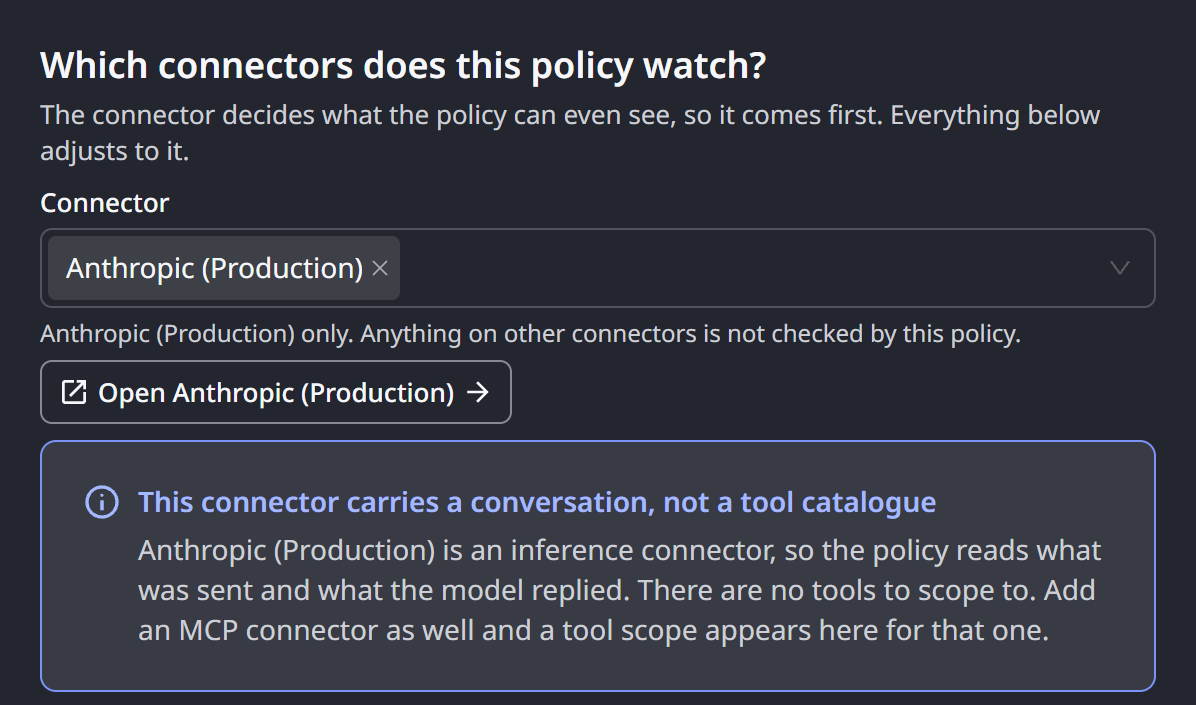
A connector that reaches a large language model provider, such as Anthropic, OpenAI, AWS Bedrock, AWS Bedrock Mantle or Microsoft Foundry, carries inference traffic. That is the conversation your agent sends to the model, and the model's reply.
HYPR AgentPass™ governs that traffic with the same policies it uses for tools and APIs, through the inference.* attributes. They give a rule a normalized view of the exchange, which reads the same whichever provider is behind the connector.
An inference rule differs from a rule about an API call in two ways:
- It can act on what the model proposes, not only on what your agent sends.
- Replies stream, so enforcing a rule about the reply changes what the person waiting on it sees.
This page explains both. You can write these rules yourself in the New policy wizard, start from a common guardrail, or author them with AI. The common guardrails are all inference rules.
You need Policies: Add to create a policy, Policies: Edit to change one and Policies: Delete to delete one. Admin holds all three for every policy. Operator and Supervisor hold them for the policies they own. This page assumes you know how policies are evaluated.
Two Kinds of Rule
Every inference rule checks one of two things, and the choice decides which phase the rule belongs in:
- Something someone sent, such as a prompt, a pasted secret, or output a tool produced. This is checked on the request, on its way in (
Pre-Request). Only the newest message is checked, so the rule fires once, not on every later message in the same conversation. - Something the model wants to do, such as running a command or calling a tool. This is checked in the model's reply (
Post-Response).
You make the choice with the Checks field in the wizard's Details step, and by which attributes you read: inference.latest_turn.* for the request, or inference.tool_uses and inference.completion.* for the reply. A common guardrail, or a rule drafted with AI, makes the choice for you, and you can change it. The Attribute Reference lists them.
Why Dangerous Commands Are Caught in the Reply
An agent harness such as a coding assistant runs its tools on its own machine, not through the gateway. When the agent runs a shell command, the gateway never sees that command as a request. The command appears only in the model's reply, where the model asks the harness to run it.
A rule that stops an agent running something destructive therefore belongs on the reply. Blocking the reply prevents the command from running, because a harness acts only on a complete tool call, and a blocked reply never delivers one. A request-side version of a credential-read rule would see the file's contents only after they had been read.
Check the Newest Message, Not the Whole Conversation
An inference request carries the entire conversation. Every turn so far is sent again on every step. A rule that matches anywhere in that history keeps matching on every later turn, long after the turn that introduced the content. A prompt the gateway blocked is left out of later requests, but everything else in the history is checked again on every turn.
Write request-side rules against inference.latest_turn.text, which scopes them to the newest message, and they fire once.
What Enforcement Does to a Reply
A model's replies stream to the agent as they are generated. What an enforced Post-Response rule does depends on what it reads.
A rule that reads inference.*, the tool calls or the completion, keeps the reply streaming. The gateway holds only each tool-call block as it completes, judges it, and lets everything else through. When the rule matches:
- Anything the model already wrote has reached the user, and stays.
- The tool call does not reach the agent, so it never runs.
- In its place, the user sees a short note naming the policy and its message.
- The reply then ends normally, so the agent treats it as a finished answer instead of retrying.
The note is part of the conversation, so the model sees it on the next turn, and can choose a different approach.
A rule that reads only response.*, the status, headers or body of the HTTP reply, cannot be judged mid-stream. On a connector with such a rule enabled, the gateway holds the whole reply until the rule has run, then releases or blocks it. The user waits for the complete answer, instead of reading it as it arrives.
When a Post-Response rule that reads the model's reply acts, its message is the explanation the user receives instead of the rest of the answer. Write it for that person. Keep the policy in Observe until you have seen what it catches.
Inference Rules Allow or Block
A rule that reads inference.* allows or blocks. The gateway refuses to enforce it with REQUIRE_APPROVAL. You can publish such a rule in Observe, to record where approval would have been required. To keep a person in the loop on inference traffic, either:
- Run the rule in Observe mode, and review its matches.
- Place the approval on the tool calls your agents make through tool connectors.
What Is Covered
Inference rules apply to connectors that reach Anthropic, OpenAI, AWS Bedrock, AWS Bedrock Mantle and Microsoft Foundry. On Microsoft Foundry, they apply to the OpenAI and the Anthropic models alike.
Through InvokeModel, only Anthropic Claude models are governed. Other model families called that way pass through unchecked. Calls through the Converse API are governed whatever the model. The Bedrock caller attributes still apply to every Bedrock request, whatever the model. Use a caller rule to restrict who may call, and a separate control if you need to restrict which models.
A Microsoft 365 Copilot connector fills part of the same namespace. inference.completion.text carries Copilot's reply, and inference.latest_turn.text the message the user just sent. One expression about reply content therefore covers Copilot alongside your model providers. The other attributes describe a provider conversation, and never arrive on Copilot.
Copilot replies are judged whole, not mid-stream, and a reply-side rule changes how every reply on that connector arrives. Read Microsoft 365 Copilot Policies before you enable one, and write the expression for those rules yourself.
Related
- Authoring a Policy with AI — describe an inference rule in plain English and start from a guardrail
- Attribute Reference — the
inference.*attributes, request and reply - How Policies Are Evaluated — phases, modes and what a match does on each kind of traffic