Pausing and Stopping a Session
Session control freezes one live coding-agent session without taking the agent away from anyone else. A paused session can run no tools until the pause lifts, and a terminated session is over for good.
Session watch tells you when a session is worth acting on, and the session investigator can act on it for you. Session control is the mechanism underneath both. The freeze takes effect on the session's next tool call.
A pause is a hard freeze on one session. While a session is paused, every tool call it attempts is refused at the gateway before it reaches the tool, reads included, so nothing is read, written or sent. The agent tells the person running it about the freeze.
This differs from Turning Off an Agent, which stops every session that agent runs. Session control acts on one session, so one person's run can be contained while everyone else keeps working.
Pause, Resume, Terminate
| State | What it does | Recoverable |
|---|---|---|
| Paused | The session's next tool call, and every call after it, is refused at the gateway. The agent keeps running and tells the person why | Yes. When the pause lifts, the next call goes through |
| Resumed | The session returns to active. Tool calls are evaluated against your policies as usual | — |
| Terminated | The same freeze as a pause, but final. The person starts a new session to continue | No |
A terminated session stays terminated. It cannot be paused, resumed or reopened, and an attempt to pause it again is refused.
Pausing, resuming and terminating act on tool calls, the actions an agent takes through the gateway's connectors. They do not stop the model mid-thought. They stop the session from doing anything until the pause lifts.
What Pauses a Session
| Source | When it pauses | How the pause lifts |
|---|---|---|
| The session investigator, in enforce mode | A finding's verdict calls for a pause. The gravest verdicts terminate the session instead | By the investigator's escalation and pause TTL. See How a Paused Session Ends |
| Repeated guardrail denials | Repeated guardrail denials on one session, close together, when Auto-pause a session after repeated denials is on. It is on by default | When AgentPass forgets the session, after the Forget a session after window on session tracking |
Both kinds of pause are the same full freeze.
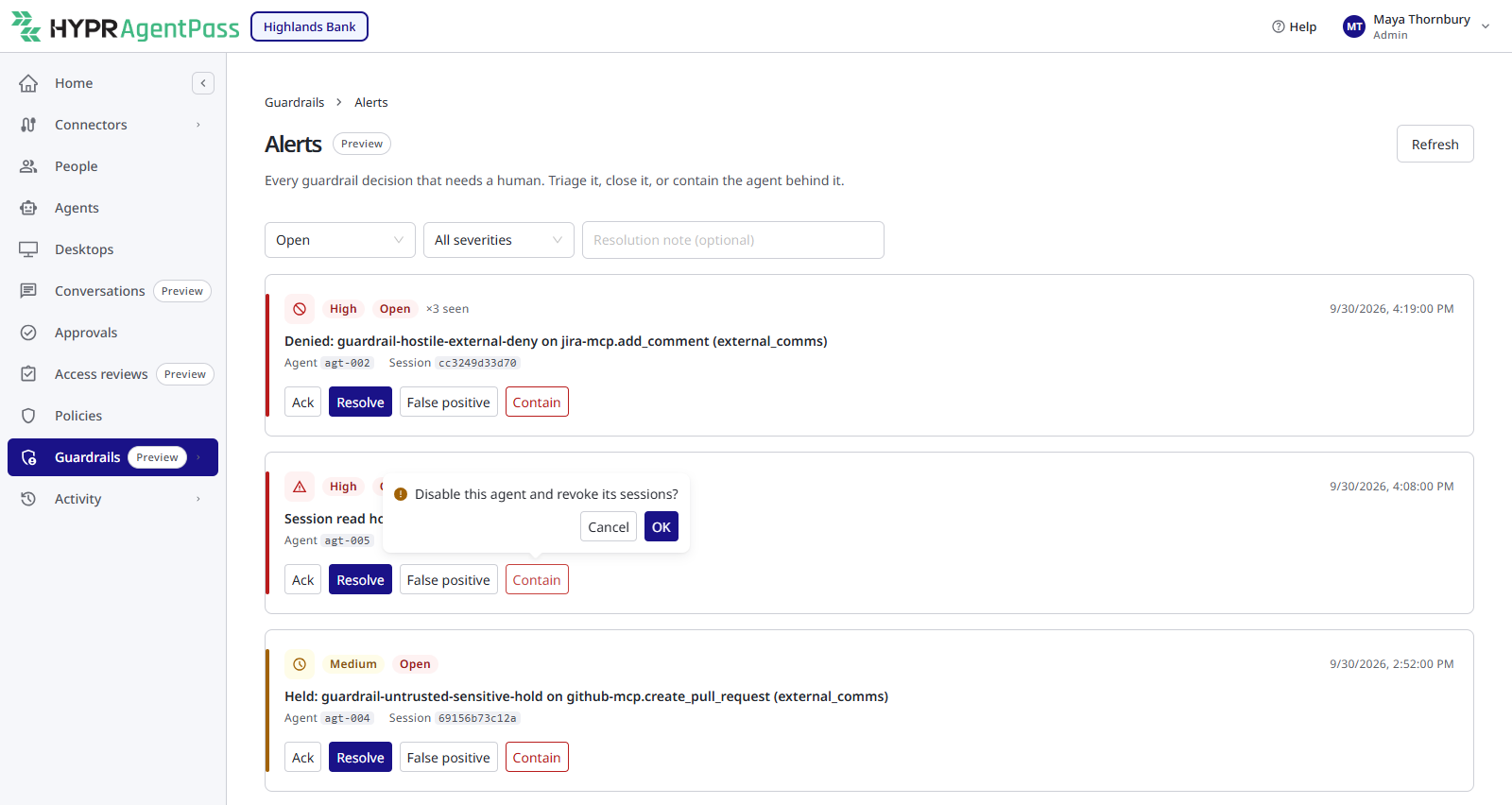
To take a whole agent offline instead, use Contain on its guardrail alert. Contain turns the agent off and revokes every session it runs.
Two conditions apply to every pause, resume and terminate:
- Session tracking must be on. Session control rides the same per-session record the guardrails use. With session tracking off, there is nothing to freeze, and a pause, resume or terminate request reports that session control is unavailable. See Turning Guardrails On.
- A person acting on a session needs Guardrails: Manage. Admin and Security analyst hold it out of the box. They can also pause, resume and terminate a session through the AgentPass administration API. A pause or a terminate request can carry a short reason, which is recorded with the action and returned to the agent in the refusal.
The Owner Cannot Lift Their Own Pause
When the investigator pauses a session, the person who was running it cannot resume it. A distinct, authorized reviewer must sign the resume. This separation of duty holds on every path, including the administration API, so the containment cannot be undone by whoever it was meant to contain. Escalation and Signed Resume covers who that reviewer is and how they sign.
Pausing and terminating increase containment, so they carry no such restriction.
What the Person Running the Agent Sees
The agent itself tells the person about the pause. The gateway returns a standard "this session is paused" result in place of the tool's output, and the coding agent explains it in its own words. The person does not have to watch the console to learn their session was held. The result is the same for every client, so Claude Code and Codex report it the same way.
For example, an agent whose session was paused while listing Slack channels reports:
I couldn't list the Slack channels. The tool call returned an error saying the
session was paused for security review and can't run tools until an authorized
reviewer resumes it. I didn't read any channels or send any email — once the
session is resumed, I can continue.
The refusal the agent receives can carry three details, so the message is specific:
- The reason for the pause, when one was recorded.
- A reference to the session, so a developer and a reviewer can talk about the same run.
- Who can resume it, when the pause names an approver.
Two things hold in every case:
- Nothing happened. The freeze lands before the tool call leaves the gateway, so a paused call reads nothing and sends nothing.
- Wait for the resume, and don't retry in a loop. The refusal tells the agent to wait until the session is resumed, then re-run its last step once.
A Fast Resume Is Transparent
If a reviewer resumes the session quickly, the developer may never see a pause. When a tool call meets a paused session, the gateway waits up to the Fast-approval hold (seconds) setting for a resume before it returns the paused result. A fast approval lets the call proceed as though nothing had interrupted it. If the window passes, the paused result is returned and the agent waits, as above. The hold is 300 seconds by default. See Settings.
Nothing is forwarded during the wait. The call is delayed, and the freeze is checked again before anything goes through.
Being Told the Session Is Active Again
When an investigator's pause lifts, through a signed resume or a fail-open pause TTL, the agent's owner receives an email that the session is active again and that they can re-run their last step. This is what makes the retry discipline work for a pause that outlasts the hold: the developer is told, then continues.
When a Session Is Terminated
When the session is terminated, the agent reports that the session has ended, and that the person must start a new session or sign in again to continue:
I couldn't list the Slack channels. The tool call returned an error saying the
session was ended for security review and that you need to start a new session
or re-authenticate. I didn't retry, read any channels, or send anything.
The person is not told before a pause. They learn of it when the agent next tries to use a tool and reports the refusal. A session that is paused while the agent is thinking, or waiting on the person, shows nothing until its next tool call.
A Call Already in Flight Finishes
The freeze acts on the next tool call. A call that has already passed the gate when the pause lands runs to completion, and is recorded as usual. The pause contains everything after it.
Who Can Pause a Session, and the Record It Leaves
Pausing, resuming and terminating a session are recorded against the person, or the investigator, that performed them. Every change, and when it happened, is kept as a durable record and sent to your audit feed, so a contained session can always be traced to the decision that contained it.
Related
- The Session Investigator — what pauses or terminates a session, and its settings
- Session Watch — how a session is flagged as worth acting on
- Approving and Denying Agent Actions — how a supervisor signs a resume from the mobile app
- Security Controls Reference — session containment as controls an auditor can check
- Agent Session Forensics: Overview — reading what a session did, before and after it was contained