Prerequisites
Have these in place before you set up HYPR AgentPass™. Each item links to the page that covers it.
Checklist
-
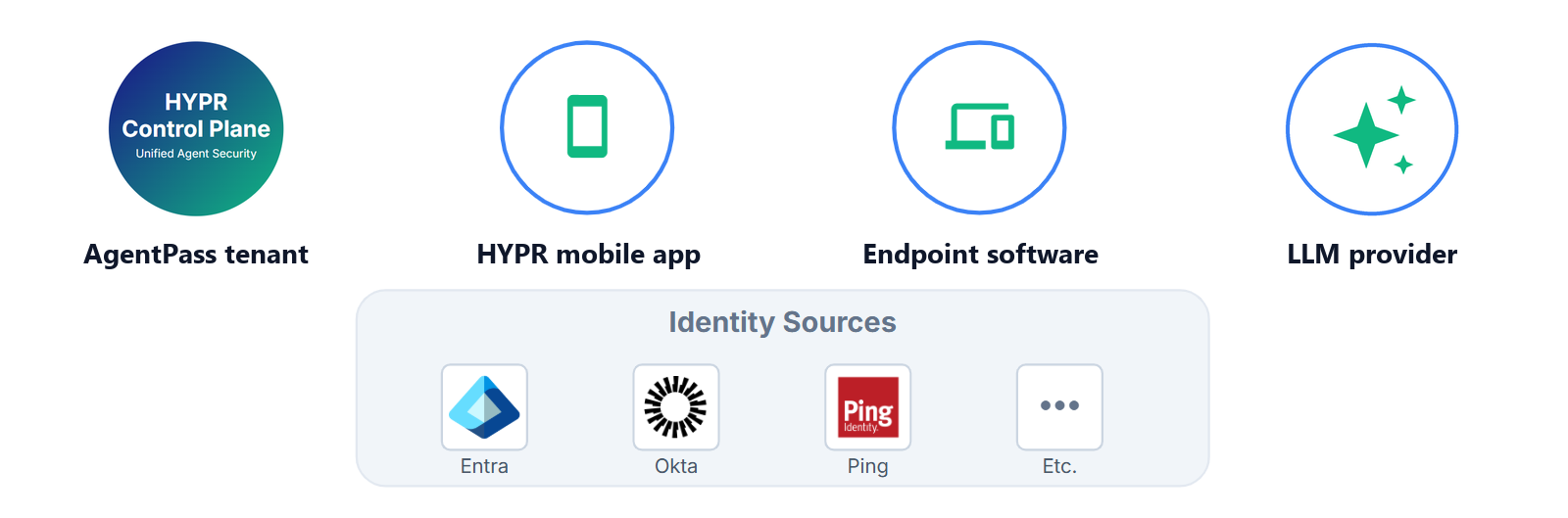
An AgentPass tenant. HYPR sets up your tenant, with its gateway address and administration console. Supervisor approvals also need your HYPR tenant connected to it. See Connecting to Your HYPR Tenant.
-
The HYPR mobile app. Each supervisor installs it on their phone and approves agent actions there with a passkey. See Getting the HYPR App on iOS or Getting the HYPR App on Android.
-
Endpoint software. Endpoint Guard runs on the macOS and Windows workstations where people use AI agents, and keeps their agent traffic on the gateway. See Endpoint Guard.
-
One large language model (LLM) provider. You need an account with the provider, and admin access to create an API key or connection. AgentPass connects to these providers:
-
An identity source. Your identity provider signs people in to the console over OpenID Connect (OIDC). Microsoft Entra ID, Okta and Ping all work. It can also provision people and groups over System for Cross-domain Identity Management (SCIM). See Signing In to the Console and Provisioning With SCIM.
Related
- Your First Governed Agent — the first-run path these prerequisites feed
- Connector Kinds — every provider, tool and channel AgentPass connects to
- Supported Platforms and Components — what the endpoint software does on each operating system