Claude Code
Claude Code reaches HYPR AgentPass™ through an Anthropic connector. Each part of running it through the gateway is covered on its own page.
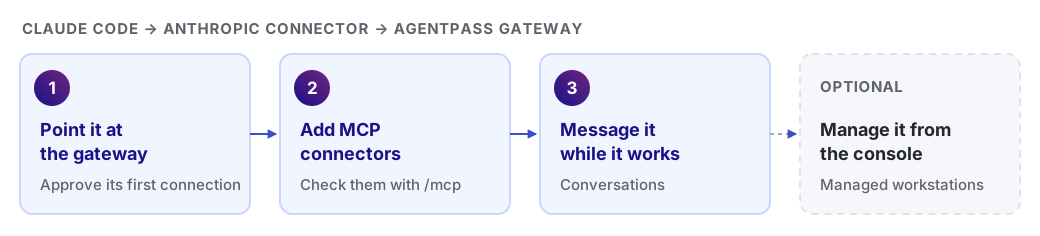
Set Up Claude Code
-
Point Claude Code at the gateway and approve its first connection: Onboarding Your Agent
-
Give it your organization's MCP connectors: Connecting to a Gateway MCP Connector
-
Exchange messages with it while it works: Having Conversations with Your Agent
-
Add or configure the Anthropic connector it uses: Anthropic
Manage Claude Code from the Console
On managed workstations, the agent configuration in the console sets how the Endpoint Guard handles Claude Code. Use it to route and enforce Claude Code instead of configuring each workstation by hand.
- In the console, open Desktops.
- Click the Desktop configuration tab, and choose Configuration.
When Endpoint Guard routes Claude Code through AgentPass, it sets the gateway address for you. Don't set ANTHROPIC_BASE_URL by hand. Sign in to Claude Code as usual, with your Claude account or an Anthropic API key, and restart it after Endpoint Guard applies the configuration.
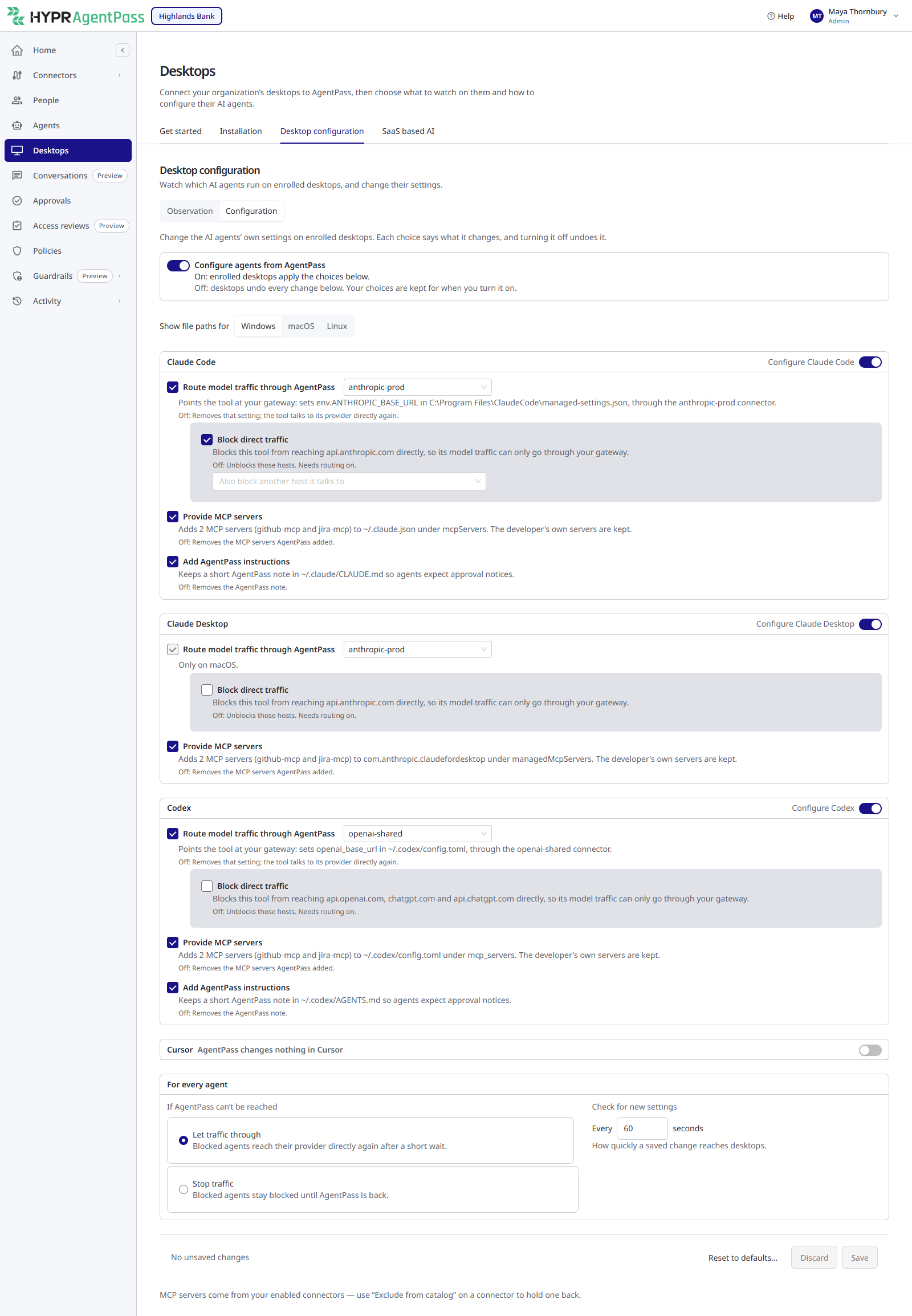
For each setting, see Routing and Observation.
Check the MCP Connectors
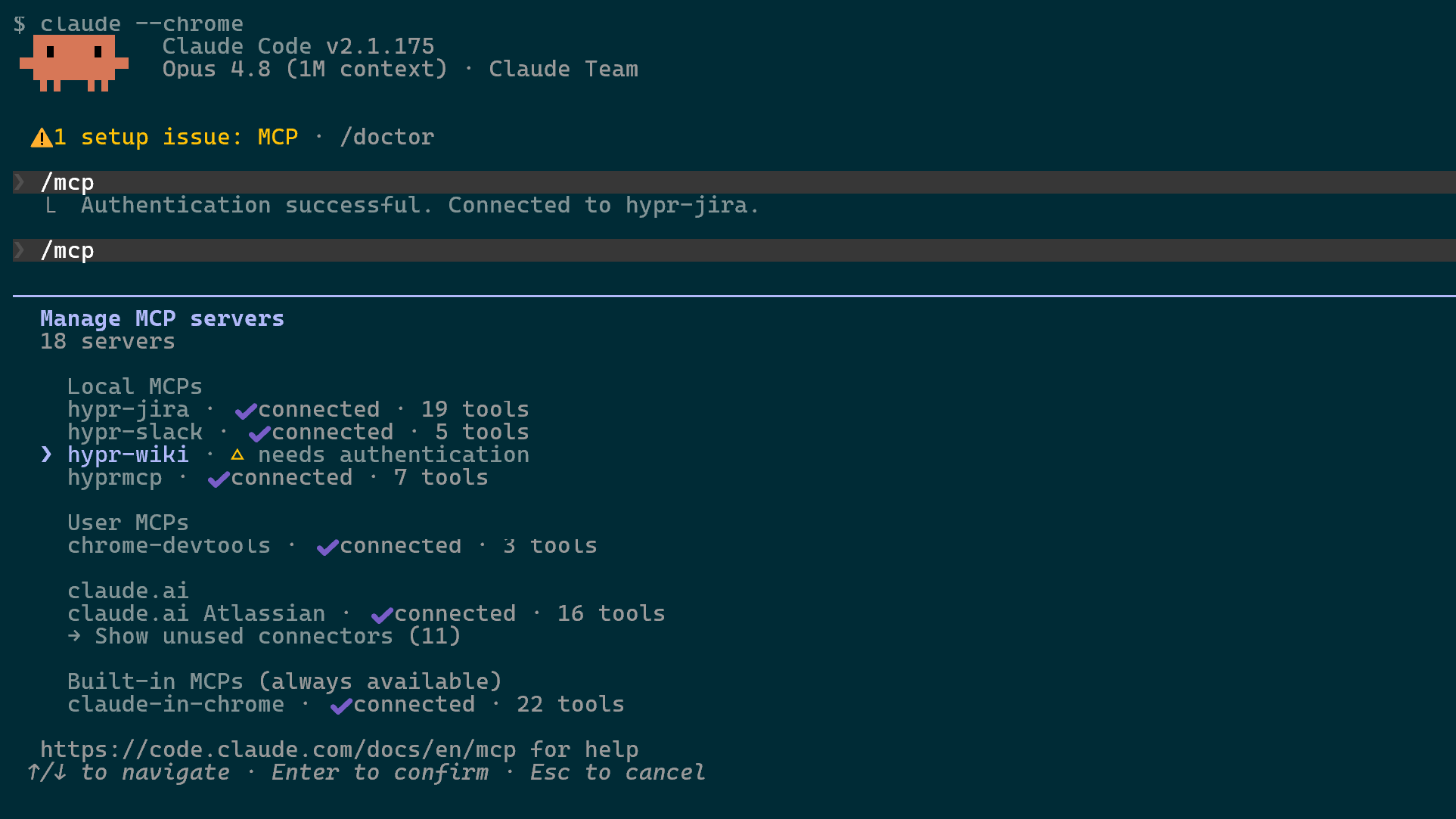
After you add its MCP connectors, run /mcp inside Claude Code. It lists each gateway connector with its authorization state.