Help and Update Notices
The HYPR AgentPass™ console tells you which build your tenant runs, and tells each person once when the tenant has been updated. Both are in the top bar and above the page, for every role.
The Help Menu
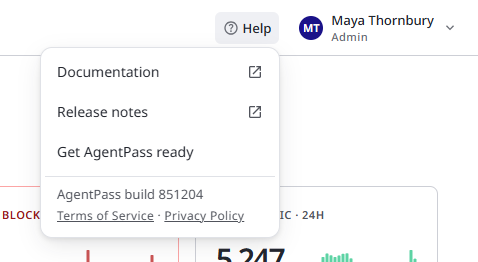
Click Help in the top bar, beside your name. The menu holds:
- Documentation, which opens the AgentPass documentation in a new tab.
- Release notes, which opens the HYPR release notes in a new tab. The AgentPass Changelog lists what changed in each AgentPass version.
- Get AgentPass ready, which shows the setup guide on Home again and opens Home. Administrators use the guide. See The Setup Guide.
- AgentPass build, followed by the build number your tenant runs. It appears only when the console knows the build number.
- Terms of Service and Privacy Policy, which open HYPR's legal terms in a new tab.
The Update Notice
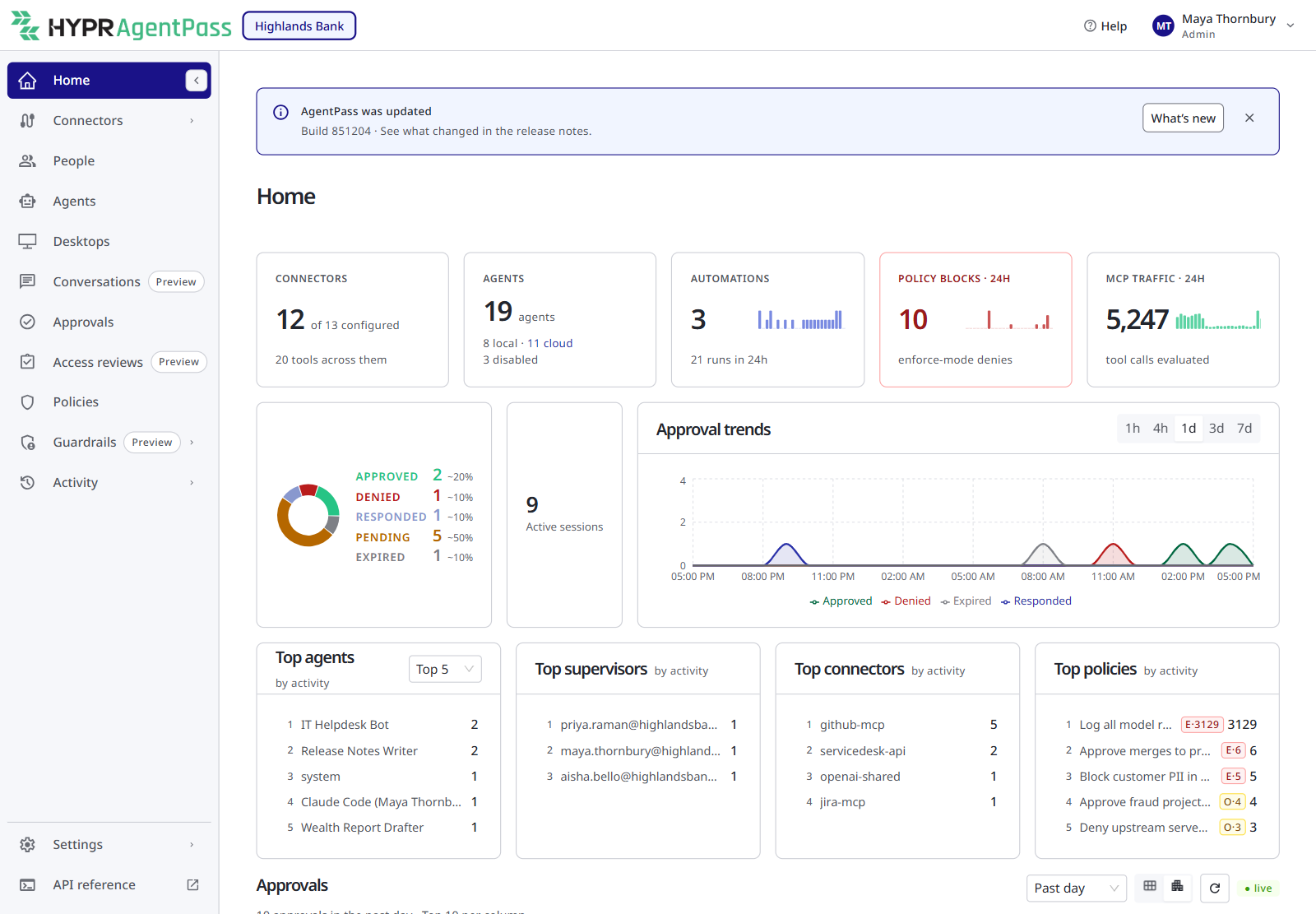
After your tenant is updated to a new build, the console shows the notice AgentPass was updated above the page title. It names the new build. The notice stays on every page until you act on it, or for a minute after you open the console:
- Click What's new to open the HYPR release notes in a new tab. This also dismisses the notice.
- Click the close button to dismiss the notice.
A notice left alone for a minute closes by itself. Dismissing the notice is personal, and it applies in every browser you use, not only this one. The notice comes back only when the tenant moves to another build.
Related
- Finding Your Way Around the Console — the top bar, the account menu and the sidebar
- AgentPass Changelog — what changed, by version