Verified Outcome
Verified Outcome defines what happens to the requester upon a successful verification. Choose one outcome per workflow.
Redirect to Device Manager to register a new login method
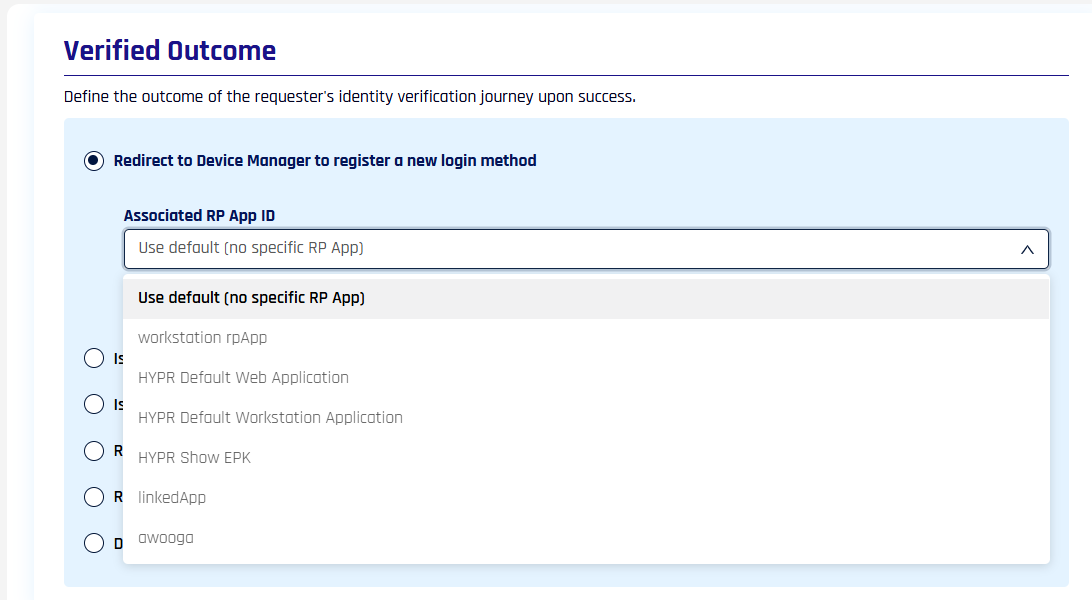
Sends the verified requester to HYPR Device Manager to register a new authentication device. Use the Associated RP App ID dropdown to pick which Relying Party application's Device Manager the requester lands in, or leave Use default (no specific RP App) to fall back to the workflow's general Application setting.
If the application selected in Associated RP App ID is deleted, the outcome changes to Display verification result to the end user.
In a CC Admin flow this is the only verified outcome available, and it has no settings: the Associated RP App ID dropdown is not shown. See Control Center Administrator Flows.
Issue a Microsoft Entra ID Temporary Access Pass (TAP)
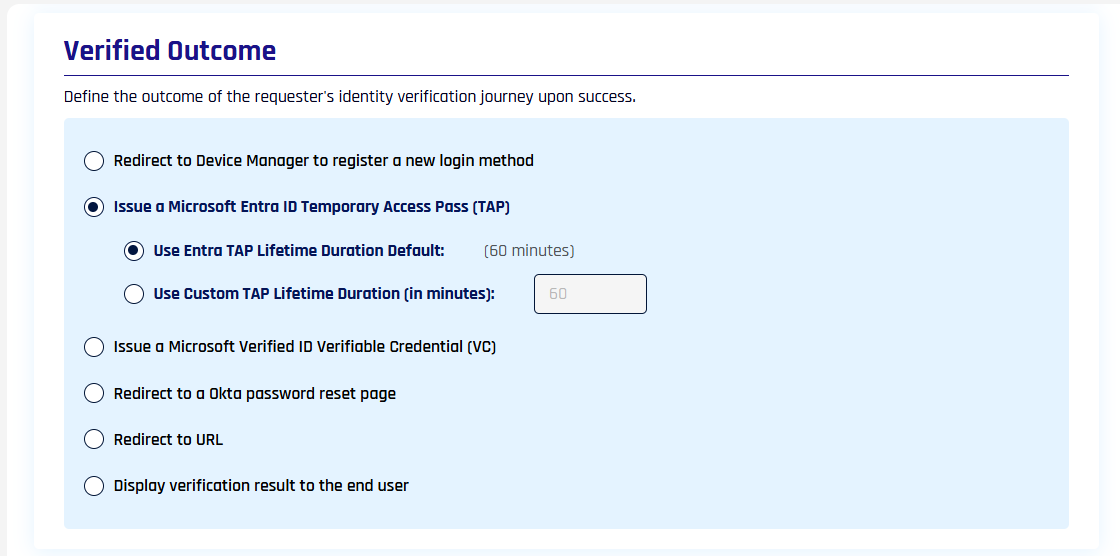
Issues an Entra TAP to the verified requester. Choose Use Entra TAP Lifetime Duration Default (60 minutes) or set Use Custom TAP Lifetime Duration (in minutes) to override.
A custom lifetime must be between 60 and 480 minutes (1 to 8 hours). A value outside that range is rejected when you save the flow. To issue a pass with a shorter or longer lifetime — a 10-minute pass, for example — an Outcome API Call customization can create the pass directly through the Microsoft Graph API, within whatever range your Entra TAP policy permits — see Issue a pass outside 60 to 480 minutes.
For Entra app setup, see Entra ID Temporary Access Pass (TAP) for HYPR Affirm.
Issue a Microsoft Verified ID Verifiable Credential (VC)
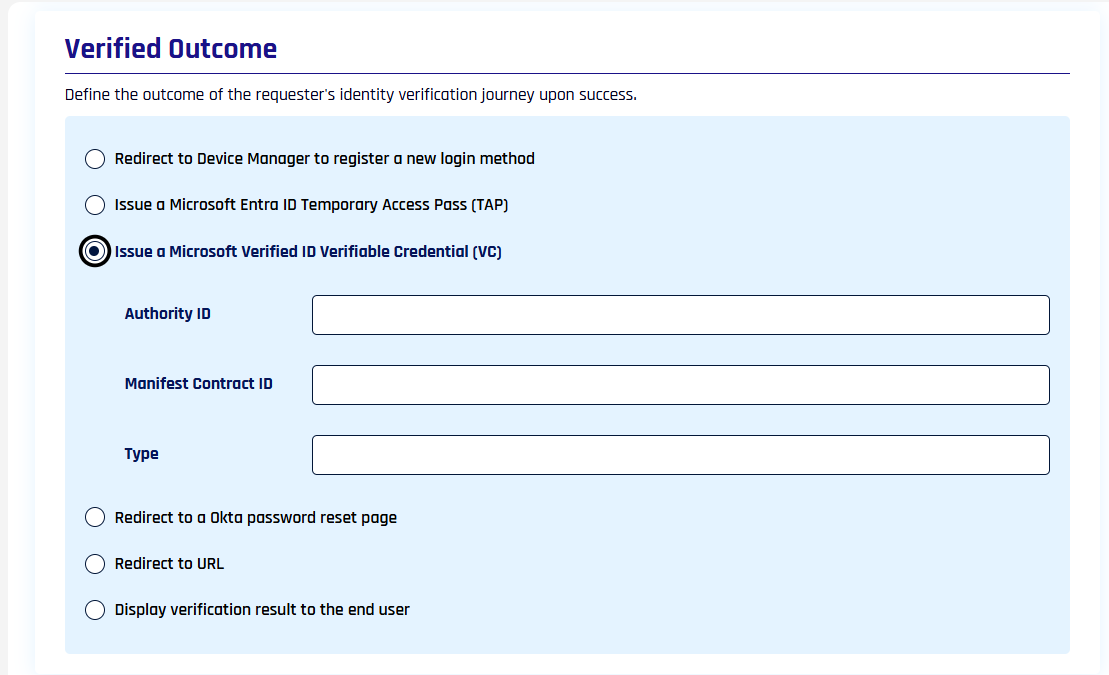
Issues a Microsoft Verified ID credential to the verified requester. Fill in Authority ID, Manifest Contract ID, and Type for the credential to be issued.
For Entra Verified ID setup, see Entra Verified ID for HYPR Affirm.
Redirect to an Okta password reset page
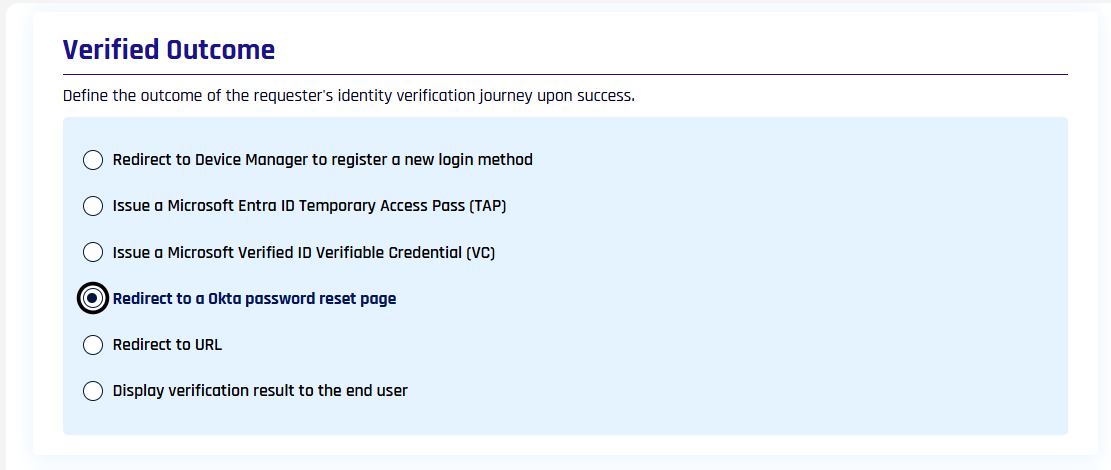
Sends the verified requester to the Okta self-service password reset page. For Okta setup, see Okta Password Reset for HYPR Affirm.
Redirect to URL
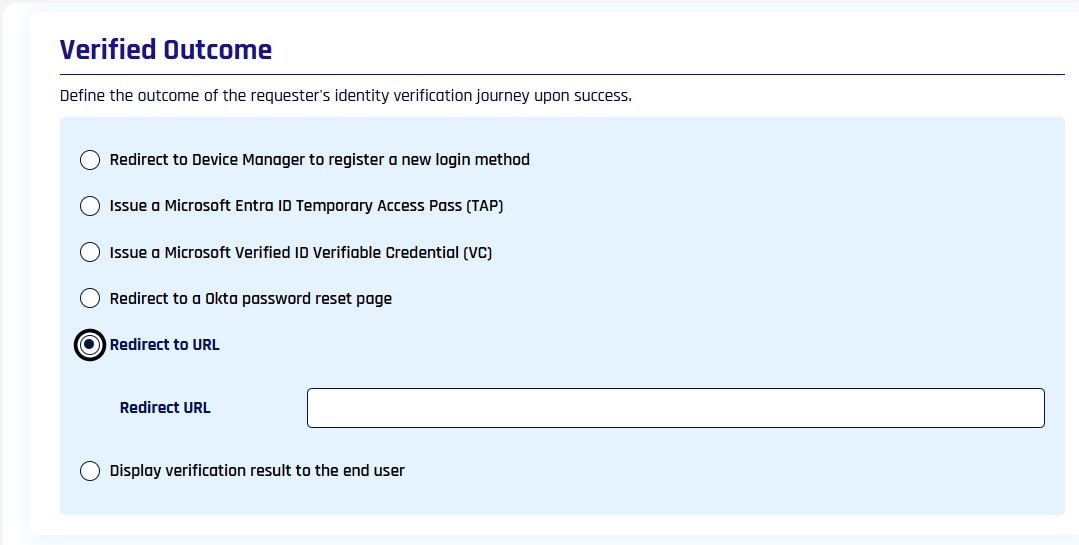
Sends the verified requester to a custom URL. Type the destination in the Redirect URL field. For dynamic URLs (useful when embedding Affirm in an external application), see Create a verification flow in the API reference.
Display verification result to the end user
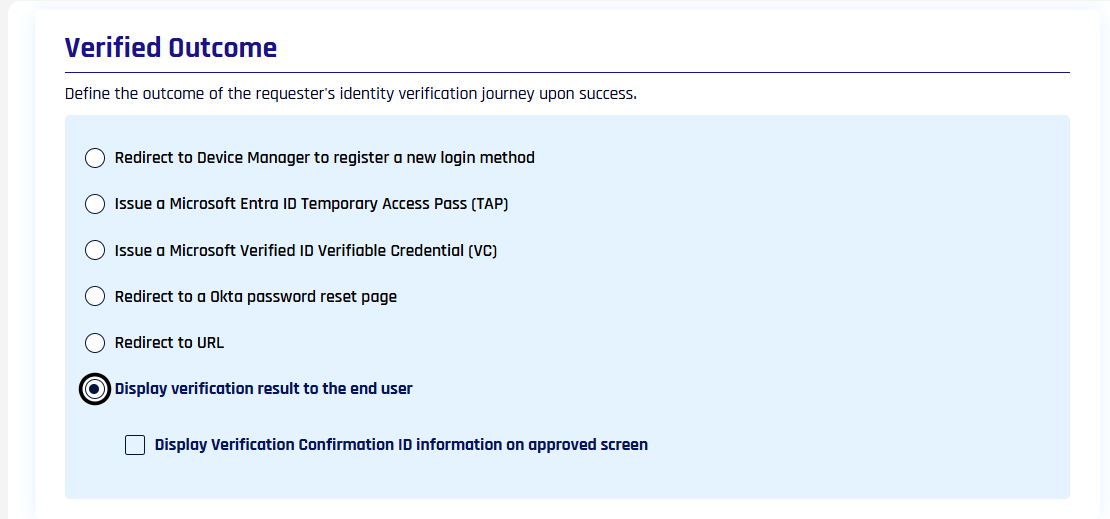
Shows the verification result directly to the requester at the end of the flow rather than handing off to a downstream system. Optionally enable Display Verification Confirmation ID information on approved screen to surface the Verification Flow ID for support reference.
Related
- Unverified Outcome — what happens when verification fails
- Outcomes and Integration — how outcomes work conceptually and links to IdP-side setup
- Configure Verification Steps — table of all verification steps