Posture and History
Two console pages answer two different questions about your input guardrails: are we defended right now, and what has been happening over time.
Guardrails Posture
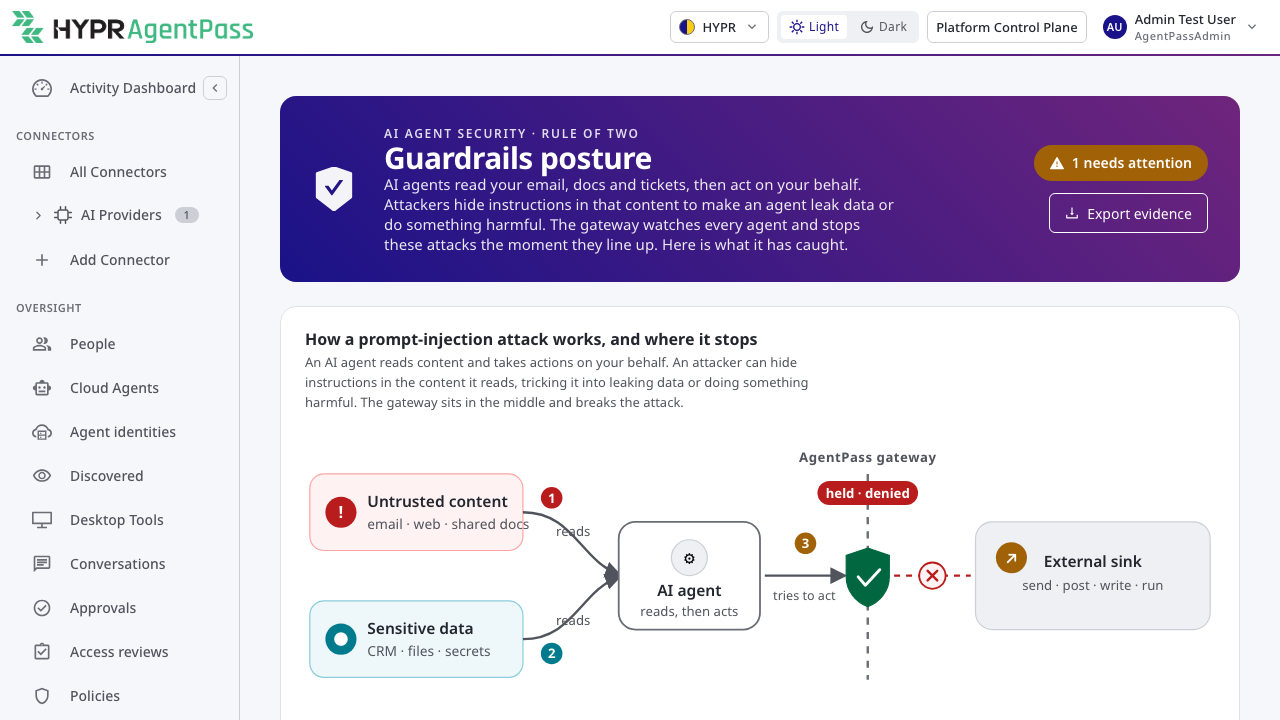
Guardrails › Posture is the single page that shows the state of your injection defenses at a glance. It brings together, in one place:
- whether session data-flow tracking is on,
- which guardrail rules are adopted, and whether they are observing or enforcing,
- the gaps worth closing — for example, connectors that reach a sink but have no data ceiling set, or guardrail rules still in Observe,
- and the sessions currently flagged by the breaker.
The intent is that a CISO or a security lead can open one page and understand how much of the injection surface is actually covered, rather than piecing it together from several screens. Each gap links to where you close it.
Guardrails History
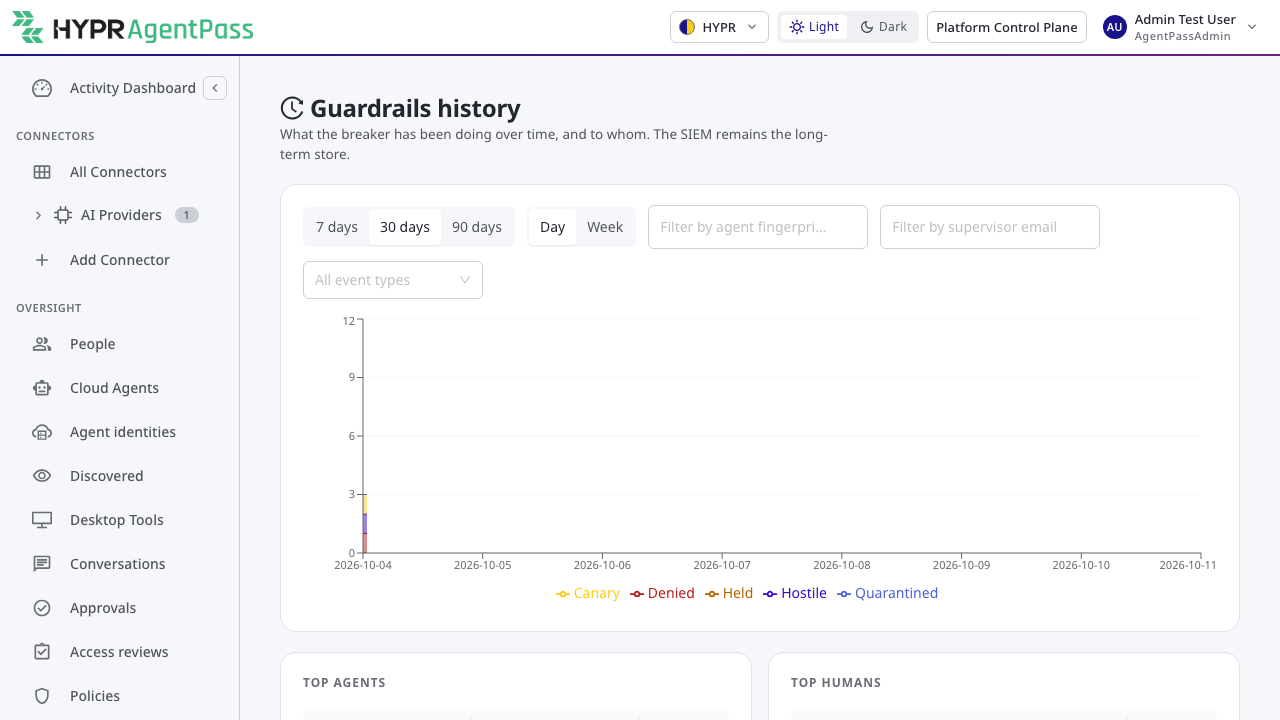
Guardrails History trends guardrail activity over time — how many calls were held, how many were stopped, which connectors and sinks they involved — so a security-operations team can see whether injection pressure is rising or falling, spot a change after a new connector is onboarded, and show a reviewer the shape of activity across a period rather than a single moment.
Where the Alerts queue is for working a live incident and Posture is for the state right now, History is for the retrospective: the view you bring to a weekly review or hand to an auditor.
Related
- Input Guardrails Overview
- Alerts and Containment — working a live guardrail alert
- The Proving Ground — proving the defenses work, with evidence
- Activity Dashboard — the gateway's wider activity view